
Appearance
User profile
The profile page lets customers manage their own account without contacting the store owner. From here they can update their name, change their password, manage shipping addresses, browse their wishlist, and review past orders.
Customers access their profile by clicking their avatar or name in the storefront header, or by navigating to /profile.
Personal info
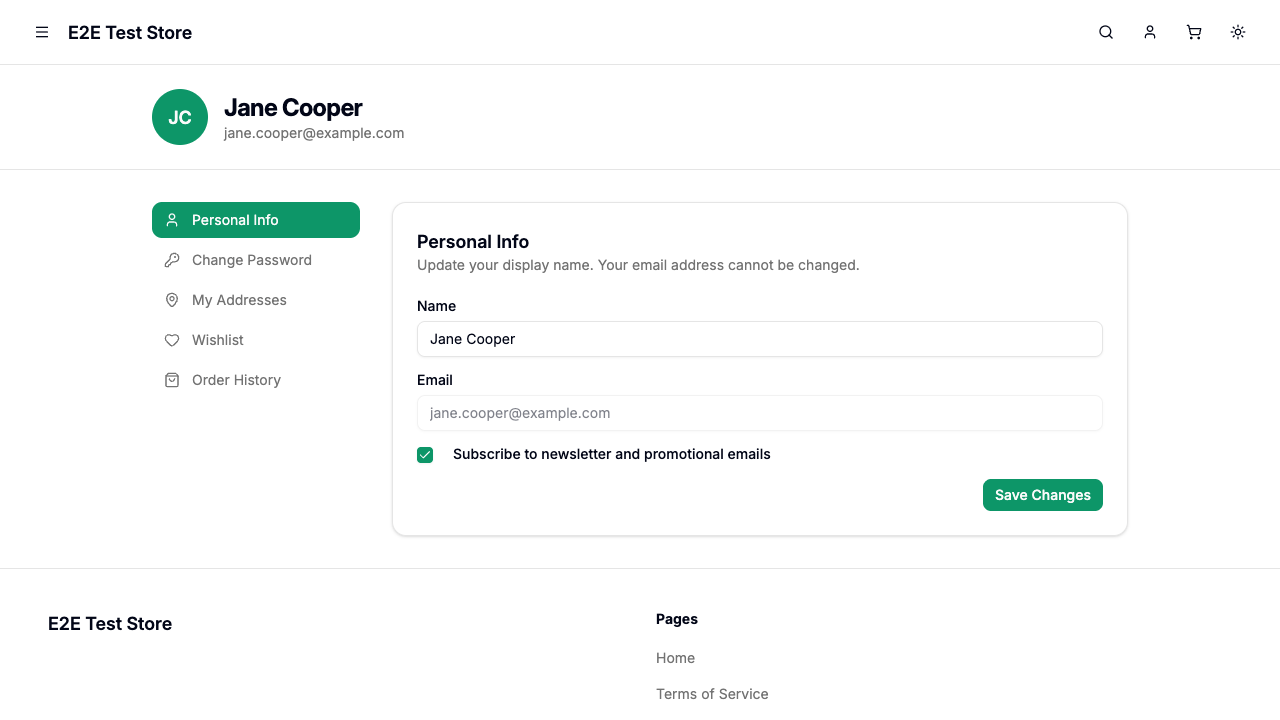
| Field | Editable | Description |
|---|---|---|
| Display Name | Yes | The name shown across the store (orders, reviews, profile header) |
| No | Account email address — displayed but cannot be changed | |
| Subscribe to Newsletter | Yes | Opt in or out of marketing emails |
Click Save Changes to update your name and newsletter preference.
Changing your password
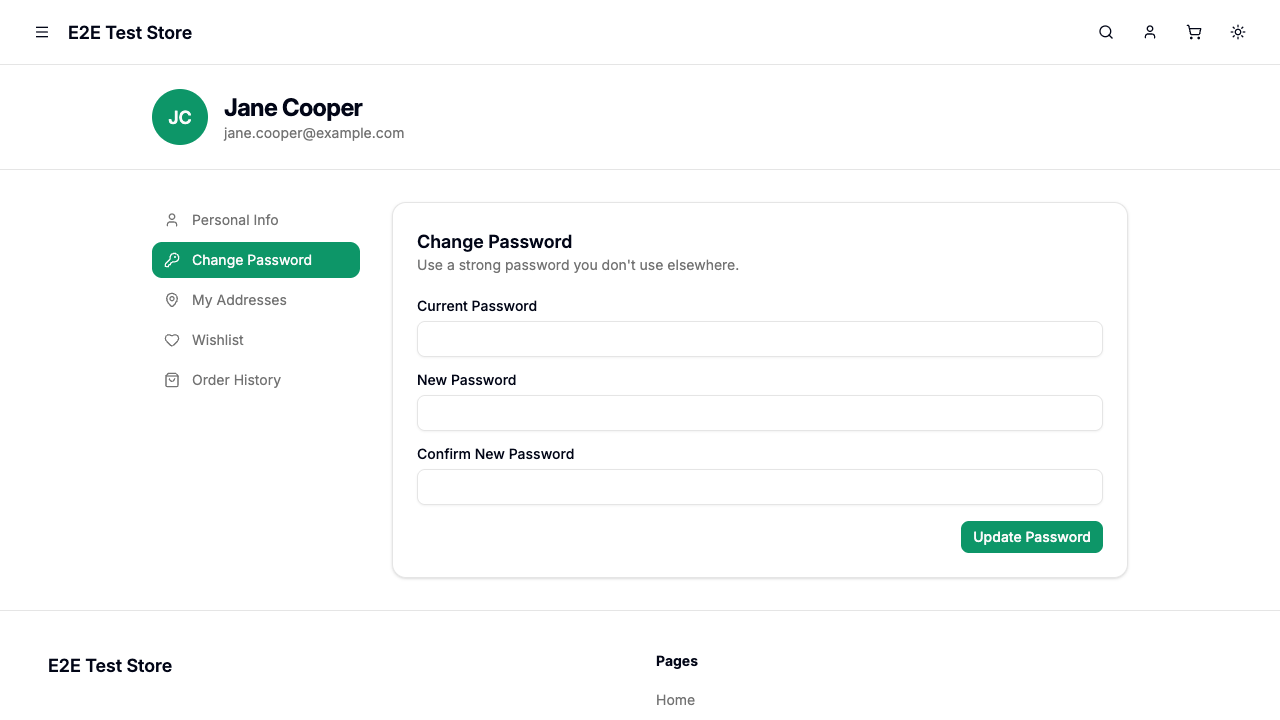
| Field | Required | Description |
|---|---|---|
| Current Password | Yes | Your existing password for verification |
| New Password | Yes | Must be at least 8 characters |
| Confirm New Password | Yes | Must match the new password |
Click Update Password to save. If the current password is incorrect, an error message will appear.
Managing addresses
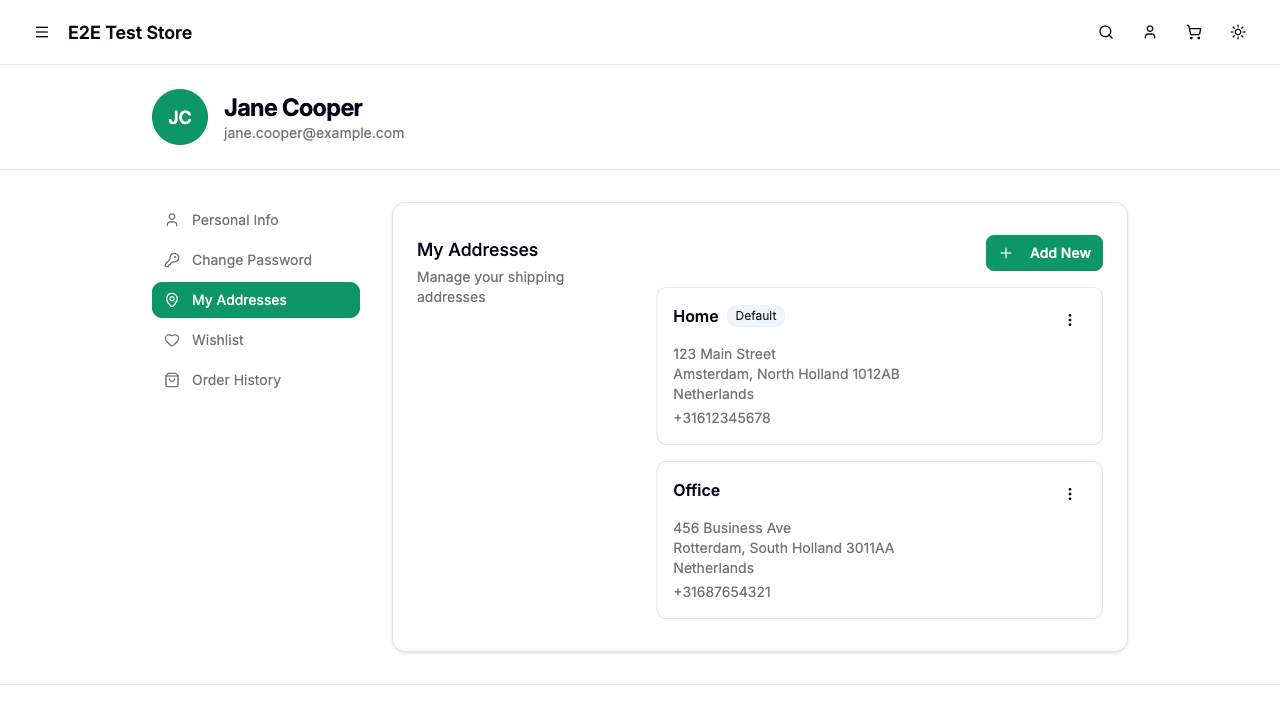
The My Addresses section provides full control over your saved shipping addresses. You can:
- Add a new address by clicking Add New Address
- Edit any existing address
- Delete an address you no longer need
- Set a default address that will be pre-selected at checkout
| Field | Required | Description |
|---|---|---|
| Name | Yes | A label for this address (e.g., "Home", "Office") |
| Phone | Yes | Contact phone number for delivery |
| Street Address | Yes | Street name and number |
| Postal Code | Yes | ZIP or postal code |
| Country | Yes | Select from the dropdown |
| State | Yes | Populated automatically based on the selected country |
| City | Yes | Searchable dropdown populated based on the selected state |
Tip: Your first address is automatically set as the default. If you delete the default address, the next available address takes over.
Wishlist
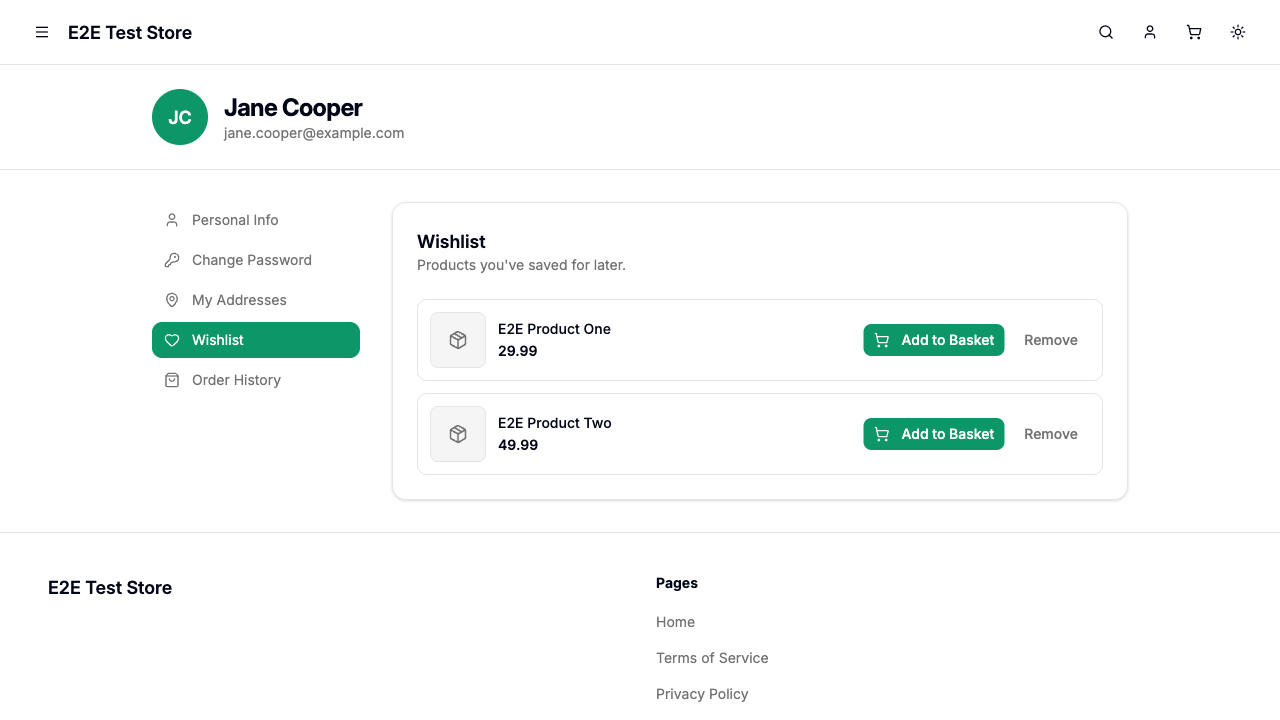
The Wishlist section shows all products you have saved for later. Each item displays the product image, title, and price.
- Click Add to Cart to move a product directly into your shopping cart
- Click Remove to take a product off your wishlist
You can add products to your wishlist from any product page on the storefront by clicking the heart icon.
Order history
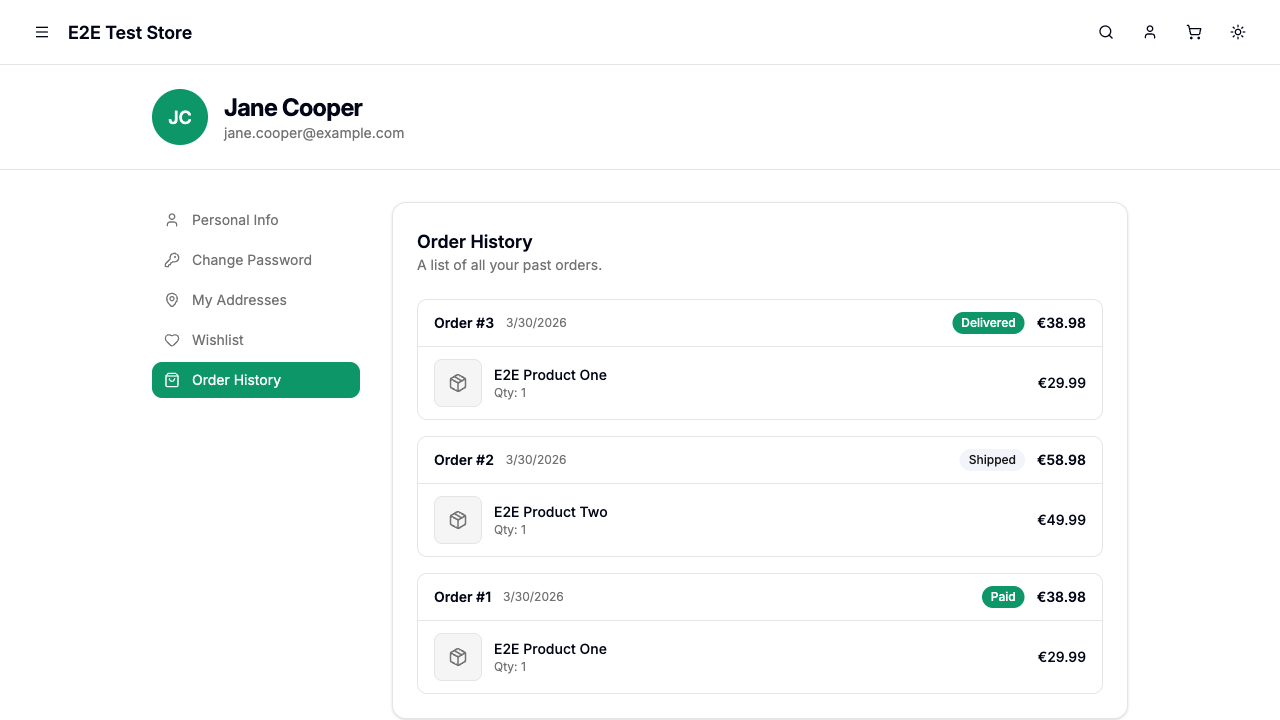
The Order History section shows a paginated list of your past orders, sorted by most recent first. Each order card displays:
| Element | Description |
|---|---|
| Order number | Unique identifier (e.g., "Order #1001") |
| Date | When the order was placed |
| Status | Current status badge (Pending Payment, Paid, Shipped, Delivered, Cancelled, Returned, or Refunded) |
| Total | Order total including tax and shipping |
| Items | Product thumbnails, titles, quantities, and line totals |
Click any order card to view the full order details page. Use the Previous and Next buttons to navigate between pages.
Email verification
If your email address has not been verified, a banner appears at the top of the profile page prompting you to verify. Click Send Verification Email to receive a confirmation link. Verifying your email helps secure your account.
Data Export & Account Deletion
Download Your Data
Users can download all their personal data at any time from the profile page by clicking the Download My Data button. The export is a structured JSON file containing:
- Profile information (name, email, locale, account timestamps)
- Saved addresses
- Order history with items
- Terms of Service consent logs
- Product reviews
This fulfills the right of access and right to data portability under GDPR.
Delete Your Account
Users can permanently delete their account from the profile page in the Others section (Danger Zone). Account deletion:
- Requires password confirmation
- Anonymizes all order PII (names, emails, addresses) while keeping financial records for tax compliance
- Deletes analytics data, consent logs, reviews, wishlist, and sessions
- Is irreversible — once deleted, the account cannot be recovered